
An office chair can look right in a photo and still be a poor fit once someone sits in it for a full workday. Seat depth, back support, armrest position, chair height, movement and the way the chair fits the desk all affect how practical it feels over time.
The right choice is not automatically the chair with the most features. It is the chair that fits the person, the workstation and the type of work being done. This office chair buying guide explains what to compare before choosing seating for a private office, shared workstation, home office or larger commercial space.
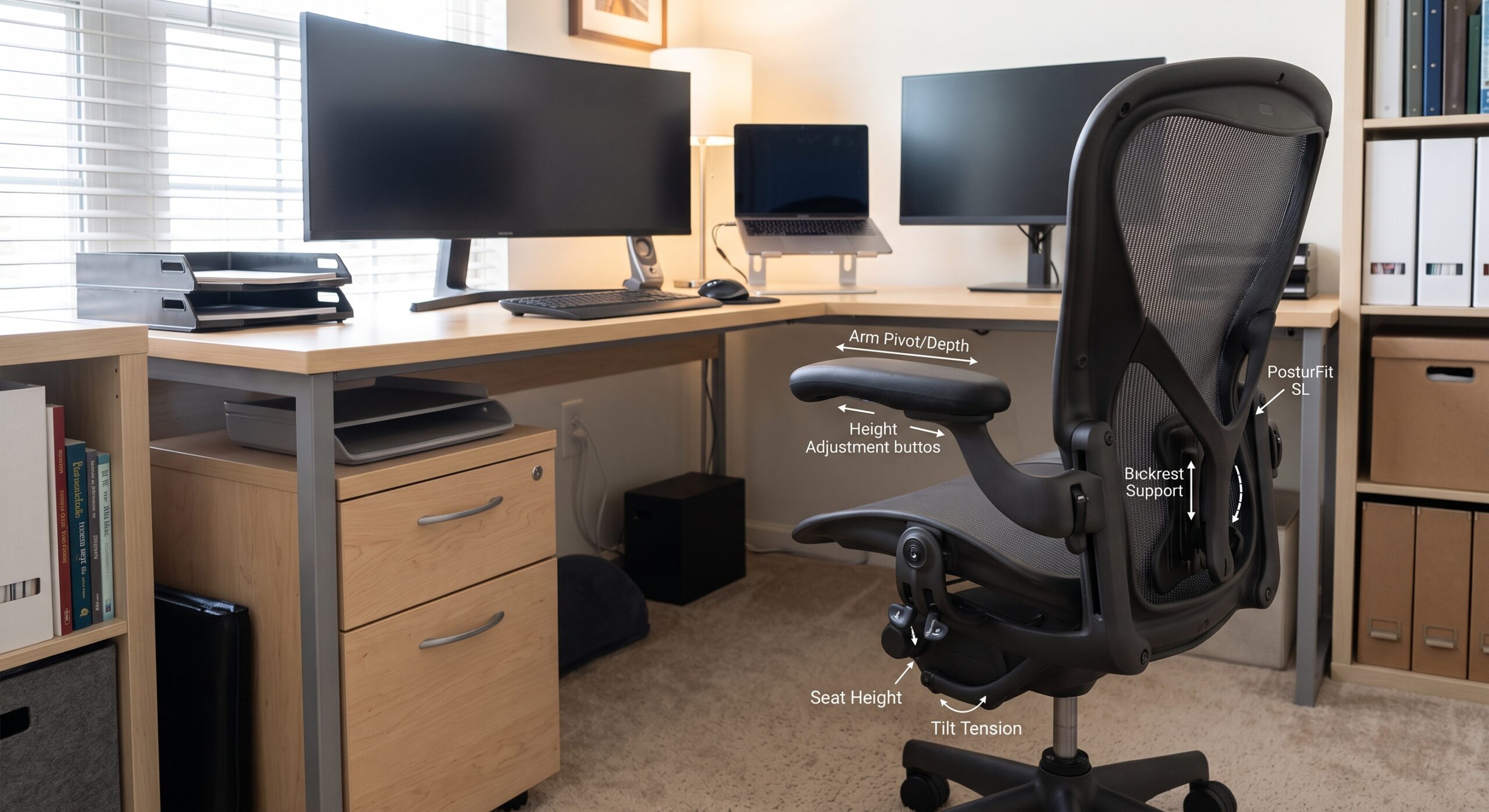
Look for a chair that can be adjusted to the user and workstation, supports the lower back, allows the feet to rest securely, provides enough seat depth without pressing behind the knees, and lets the arms stay relaxed while working. The chair should also match the desk height, flooring, body size and daily work pattern.
Color, upholstery and chair profile matter, especially in client-facing offices, but fit should come first. Two people can sit in the same chair and have completely different experiences because their height, leg length, shoulder width and preferred working posture are different.
For that reason, adjustability is especially useful in shared workstations or offices where the same chair may be used by different employees. A chair that can adapt to the user is usually easier to integrate into an existing desk setup than one with fixed dimensions and fixed arm positions.
Seat height should allow the user to sit close enough to the work surface without forcing the shoulders upward. The feet should be able to rest flat on the floor or on a stable footrest, and the chair should still provide support through the seat and back.
A seat that is too deep can make it difficult for a shorter user to sit fully against the backrest. A seat that is too shallow may not provide enough thigh support for a taller user. A useful fit leaves space behind the knees while allowing the back to remain supported.
The backrest should support the user without forcing a rigid position. For computer-based work, lower-back support and the ability to sit upright or recline slightly can make the chair easier to adjust across the day.
Armrests should support the forearms without lifting the shoulders or preventing the chair from moving close enough to the desk. If the arms are too high, too low or too wide, the user may end up reaching for the keyboard instead of sitting naturally at the workstation.
The chair base and casters affect how easily the user can reposition at the desk. Casters should suit the flooring, and the chair should move without requiring the user to repeatedly twist or reach for nearby items.
Mesh, fabric and other upholstery types each create a different feel. Material choice should be based on the work environment, maintenance needs, appearance and user preference rather than assuming one material is automatically right for every office.
Feature | What to Check | Why It Matters |
Seat height | Can the user sit at the desk with feet supported? | Helps the chair and work surface function together |
Seat depth | Is there support without pressure behind the knees? | Improves fit for different leg lengths |
Backrest | Does the back remain supported in normal working positions? | Supports the user during seated work |
Armrests | Can the shoulders stay relaxed and the chair move close to the desk? | Reduces interference with keyboard and desk positioning |
Casters | Do they suit the office flooring? | Makes repositioning easier |
Chair size | Does the seat and back fit the intended user? | Avoids choosing a chair that is too narrow, deep or small |
Adjustability | Can key settings be changed easily? | Useful for different users and changing tasks |
Chair type should follow the work being performed rather than the job title alone. A task chair is often selected for computer-focused work because it is designed around a workstation and frequent movement. An executive chair may use a larger profile, higher back or different upholstery and can make sense in private offices where appearance and extended seated work are both important.
Neither category is automatically better. Compare the actual chair dimensions, adjustments and workstation fit instead of relying only on the product label.
Chair Type | Common Use | Planning Focus |
Task chair | Computer work and daily workstation use | Adjustability, movement and desk fit |
Executive chair | Private offices and longer seated work | Fit, back support, profile and desk clearance |
Guest chair | Reception, visitor and meeting seating | Seat comfort, room spacing and easy access |
Big & tall chair | Users requiring a larger seating range | Chair dimensions and stated capacity |
Mesh chair | Workstations where a lighter chair profile is preferred | Fit, support and user preference |
A chair should not be selected in isolation. A chair with armrests that cannot move under the desk may force the user farther from the keyboard. A seat that is too low for a fixed-height work surface can create a different problem. Check the chair and desk as one workstation.
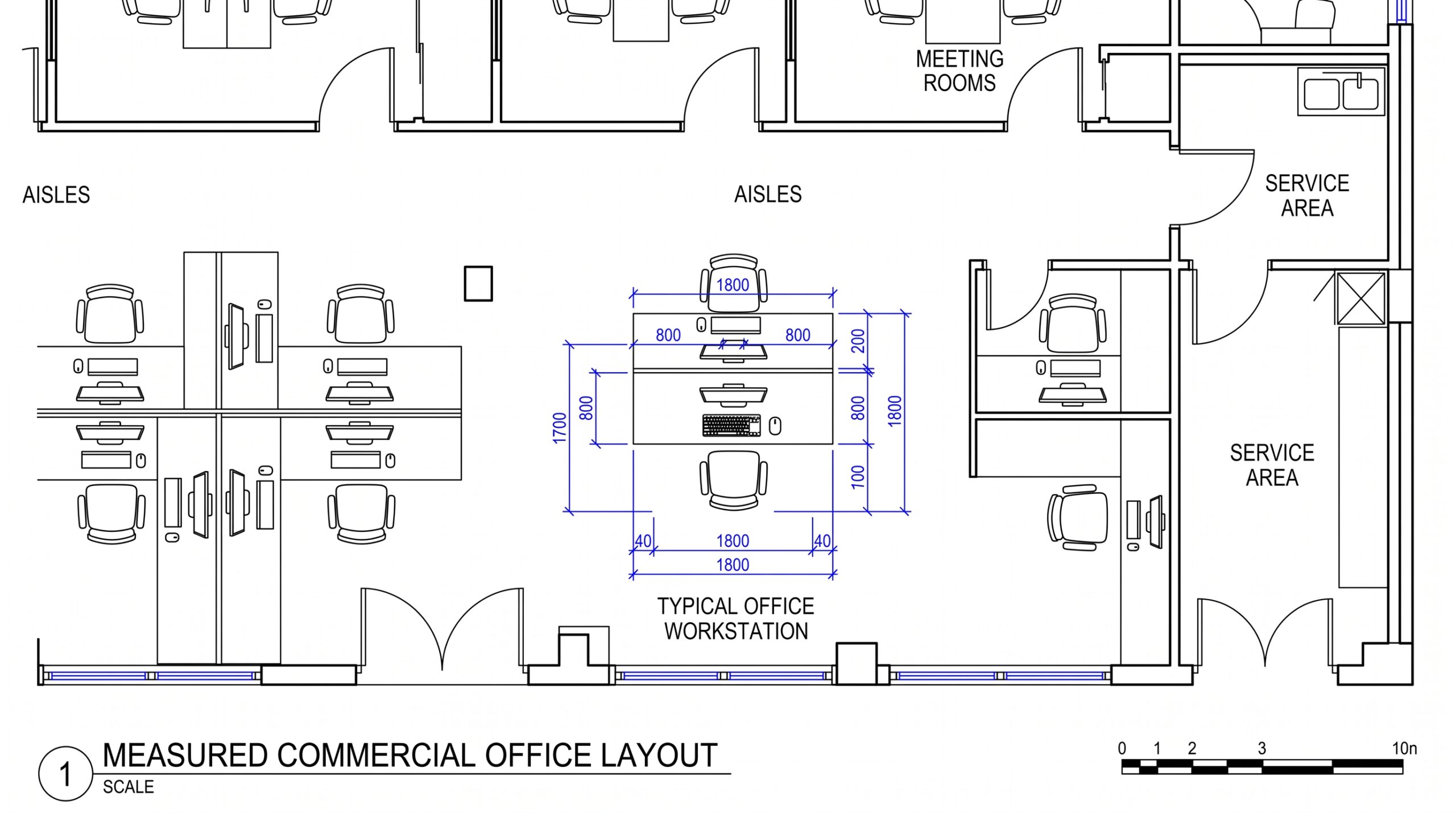
Before purchasing, compare the desk height, available knee space, drawer or pedestal placement, keyboard position and the space available for the chair to roll back.
A chair may feel comfortable for a short test because the cushioning is soft or the backrest feels substantial. Daily work places different demands on seating. Consider how long the person normally sits, how often they reach for files, whether they move between monitors, and whether they regularly turn to speak with coworkers or visitors.
The chair should support those recurring tasks without making basic movements difficult. This is one reason trying a chair in person is valuable: the user can test adjustments, arm placement, seat depth and movement with more context than a product image provides.
Shared desks create a different buying problem because one fixed chair may not fit everyone who uses the space. In these environments, prioritize adjustments that are easy to understand and quick to change.
Employees should be able to reset the chair without needing tools or a long setup process. Seat height, back position and armrest adjustments become more important when users change throughout the week.
Home offices often begin with a dining chair or spare chair because it is already available. That may work for occasional tasks, but regular remote work usually benefits from seating chosen around the desk and computer setup.
Measure the available floor area, desk clearance and chair movement before choosing a larger chair. In a smaller room, a chair with a wide base or large fixed arms can interfere with nearby storage, doors or other household furniture.
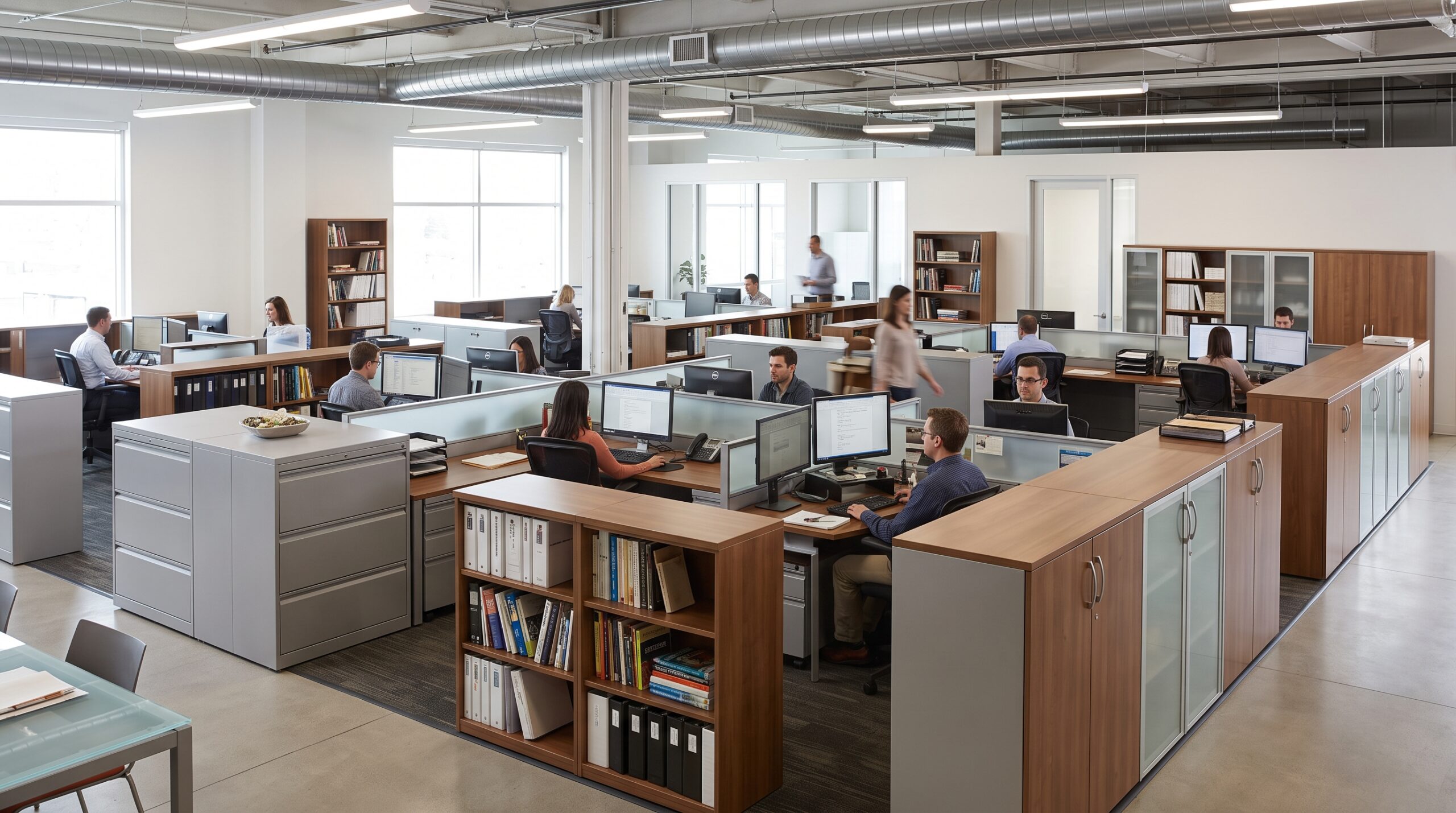
Commercial offices often need several chair types rather than one chair everywhere. Task seating may make sense at employee workstations, guest seating in private offices and reception areas, and larger chairs where individual fit requires them.
Using a consistent finish or color can keep the office visually connected without forcing every employee into the same chair model. The furniture plan should account for the work being performed, the people using each area and the space available around each workstation.
A standard chair is not automatically appropriate for every user. When a larger seating range is needed, compare the manufacturer-stated chair dimensions and capacity rather than assuming a wider-looking chair will provide the required fit.
309 Office Furniture currently lists both a Big & Tall Executive Chair and a Big & Tall Guest Chair within its chair collection, alongside standard task, executive and guest seating. That makes it possible to compare different seating categories within the same showroom and product selection without treating one chair size as universal.
Material and back height are useful ways to narrow a large chair selection, but they should come after fit. A mesh back can create a lighter visual profile. An upholstered chair may suit a different office aesthetic. A high-back chair may provide a different support area than a mid-back model.
The live 309 chair collection includes examples such as Advantage High Back Chair, Advantage Mid Back Chair, Cool Mesh High Back Chair, Coolmesh High Back Task Chair and Executive High Back Chair. Use those labels as starting points for comparison, then check the actual chair specifications before making a decision.
A chair can match the desk and office finishes but still be the wrong size or adjustment range for the person using it. Treat appearance as one part of the decision rather than the first filter.
Seat height receives a lot of attention, but depth can be just as important to fit. A user should be able to sit against the backrest without the front edge of the seat pressing into the back of the knees.
Consistency is useful for purchasing and office appearance, but people are not the same size and roles do not involve the same tasks. A small number of chair types may serve a team better than one universal model.
Pedestals, filing cabinets, desk returns and nearby bookcases affect how much room the chair has to move. Check the complete workstation footprint before finalizing seating.
Adjustability is valuable only when the chair can actually be set up for the user. Controls should be understandable, useful and compatible with the workstation. A simpler chair that fits correctly can be more practical than a feature-heavy chair that does not.
Product dimensions can narrow the options, but sitting in a chair reveals details that are difficult to judge online. The user can check whether the seat feels too deep, whether the backrest meets the lower back in the right place, whether the armrests interfere with the desk and whether adjustments are easy to use.
309 Office Furniture & Design has a physical showroom at 1711 Bethlehem Pike in Hatfield, Pennsylvania. For local buyers, comparing chairs in person can make it easier to narrow the selection before requesting a quote or planning delivery and installation.
Not automatically. An L-shaped desk is a stronger fit when the user genuinely needs two active work surfaces. A straight desk is often the better choice when one work zone is enough and flexibility or room space is more important.
Yes, when the room has a usable corner and enough clearance for the return, chair and surrounding furniture. Measure the complete layout before assuming the corner configuration will fit.
It can be. Monitor count alone does not determine the desk shape. Check the actual desk width and depth, then consider whether the user also needs a separate area for paperwork, equipment or other daily tasks.
A straight desk generally has a simpler footprint and is easier to place in a different room or layout. L-shaped desks require more attention to the position and orientation of the return.
The best desk configuration is the one that supports the work without taking more room than necessary. Start with the tasks performed every day, then compare the amount of surface area, storage, chair clearance and room flexibility each desk provides.
A straight desk is a practical starting point for focused work and flexible layouts. An L-shaped desk becomes the stronger choice when a second active work zone is genuinely useful and the room can support the larger configuration.
Compare desk configurations, office chairs, storage and other workspace furniture at 309 Office Furniture & Design in Hatfield, Pennsylvania.
1711 Bethlehem Pike, Hatfield, PA 19440
(215) 822-3333